Insight / AI and infrastructure
Published
What to do when a model change breaks a business pipeline
A practical response to a changed or retired AI model: contain bad outputs, identify the cause, restore the workflow and prepare for the next change.
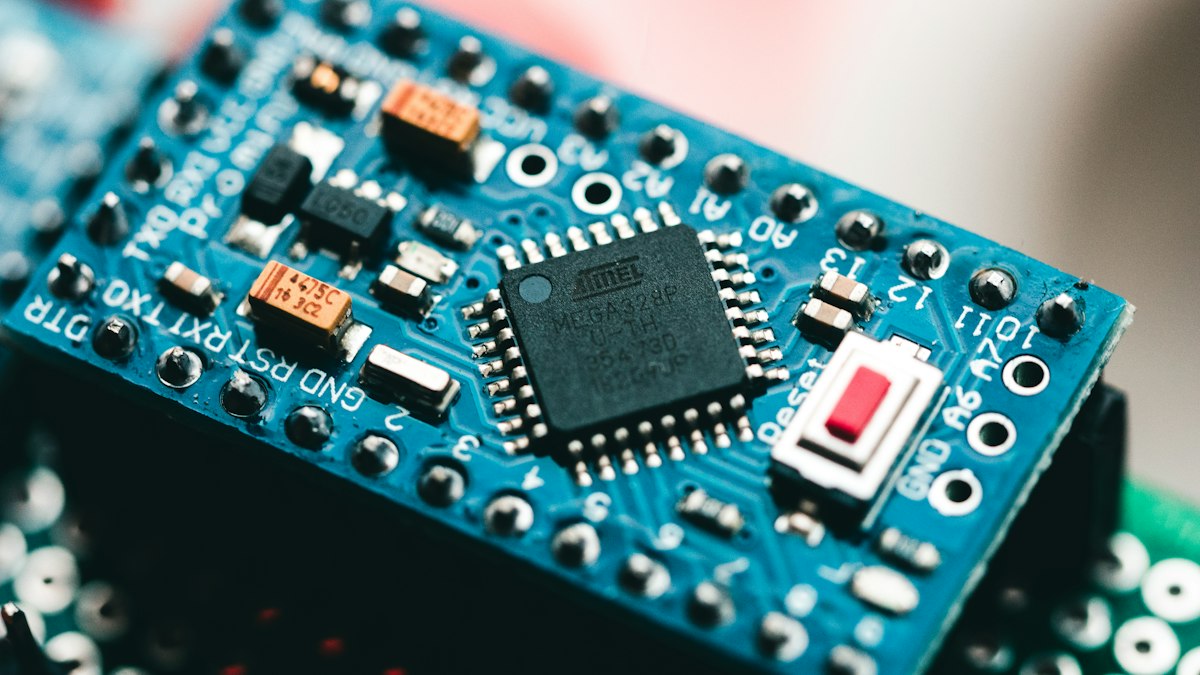
Imagine a document-processing service that has extracted the right fields for months. One morning, it begins putting dates in the wrong field. The API still responds, the dashboard still looks healthy, and incorrect records move into the customer system. A model change can look like a service outage, but a quiet change in output can do more damage.
The response has two parts: protect the business process now, then work out what changed. Treat the model as one component of the pipeline, alongside prompts, documents, tools, code and the people who use its results.
Contain the impact
Stop consequential actions first. Pause automatic writes, payments, messages or approvals that depend on suspect output. Keep incoming work in a queue with a visible owner. If the task cannot wait, move it to a documented manual review process. A different model is only a safe fallback after its outputs pass the same checks.
Work out the affected window. Find the first failed run and the last result you trust. Compare request IDs, timestamps, deployed configuration and a sample of completed records. Separate work that failed visibly from work that may have completed with incorrect values. Preserve the inputs and outputs needed for investigation under your normal privacy and retention rules.
Tell the people who can act. Give operations staff a simple description of what is paused, how to handle new work and who decides when automation resumes. If customers may have received incorrect results, handle correction and communication as part of the incident, not as an afterthought.
Find the change before changing more things
Check whether calls are failing, the output format has shifted, or the answer is valid in shape but wrong in meaning. Those paths need different fixes. A retired model ID may return an error; a changed prompt or retrieval source may still produce well-formed JSON while changing a decision.
Compare the last good and first bad runs across the exact model ID, API endpoint, prompt and system instructions, tool definitions, sampling settings, retrieval index, document parser, application release and provider status. Reproduce a few failures with approved or redacted examples. Change one variable at a time so the investigation identifies a cause rather than an accidental improvement.
Some providers offer moving aliases. Google explains that a Gemini latest alias can switch to a new release. OpenAI recommends pinning production applications to specific snapshots and measuring behaviour with evaluations. A fixed ID makes diagnosis easier, but it is not a permanent reservation: Anthropic’s lifecycle documentation says requests to retired models fail, and OpenAI publishes model shutdowns and replacements. Check the current policy for the provider and platform you actually use.
Restore with evidence
If the previous configuration still works, roll back the whole release that produced the change, including prompts and parsing code. If the model has been withdrawn, select a replacement against a saved set of real tasks. Include routine examples, unusual formats and the costly mistakes that matter to the business. Check field validity in code; have a person judge correctness where a schema alone cannot.
Compare the candidate with the previous workflow on measures that matter: missed documents, incorrect fields, unnecessary reviews, processing time and cost. A replacement may need a different prompt or output adapter. Run it alongside the current process or on a small, reviewed share of new work before restoring automatic actions. Keep a clear rollback trigger and someone responsible for watching the results.
Once the fix is accepted, reprocess the affected queue carefully. Use record identifiers to prevent duplicate writes, compare repaired records with source documents, and keep an audit trail of what was changed. For decisions with material consequences, require human sign-off before corrected outputs reach customers or other systems.
Make the next change less disruptive
Keep a short runbook next to the pipeline. It should name the owner, the model and configuration versions in use, the provider’s lifecycle page, the alert thresholds, where work can be queued, how to switch to manual handling, and the steps for testing and rolling back a replacement. Store a small, permissioned evaluation set and update it whenever a real failure reveals a missing case. Monitor output quality and downstream results as well as API errors.
A second hosted provider or a local model you can operate yourself can be part of the recovery plan. Each needs its own evaluation, capacity and data-handling review. A local copy gives more control over when permitted weights change, while adding responsibility for hardware, updates and security. The right fallback is the one your team has already tested for the actual workload.
The aim is a business process that can pause safely, show what happened and resume under human control. Model changes will continue; the runbook determines whether they become a managed migration or an unexpected operational crisis.